Shopify store2026
Apparel store on an ERP catalogue
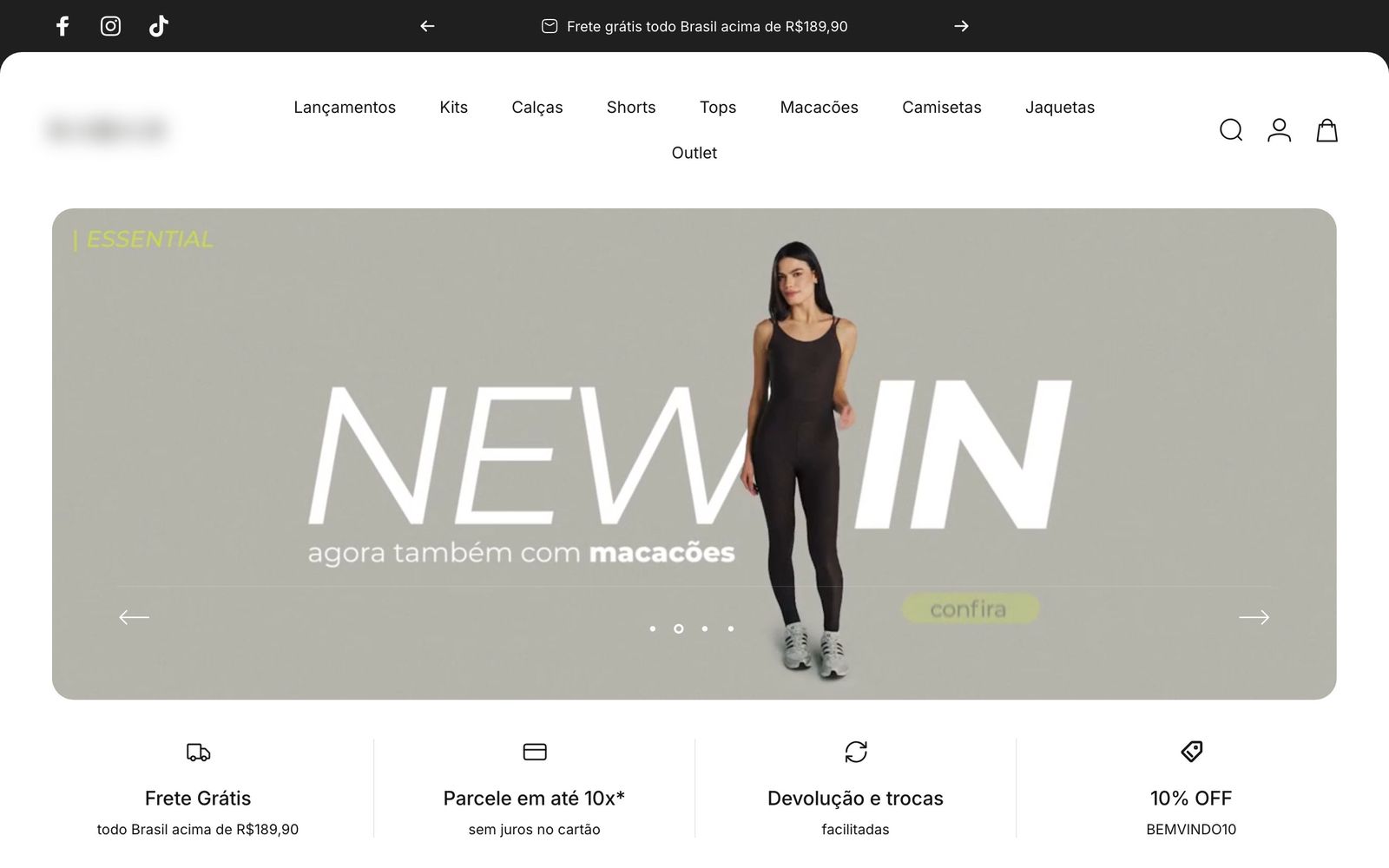
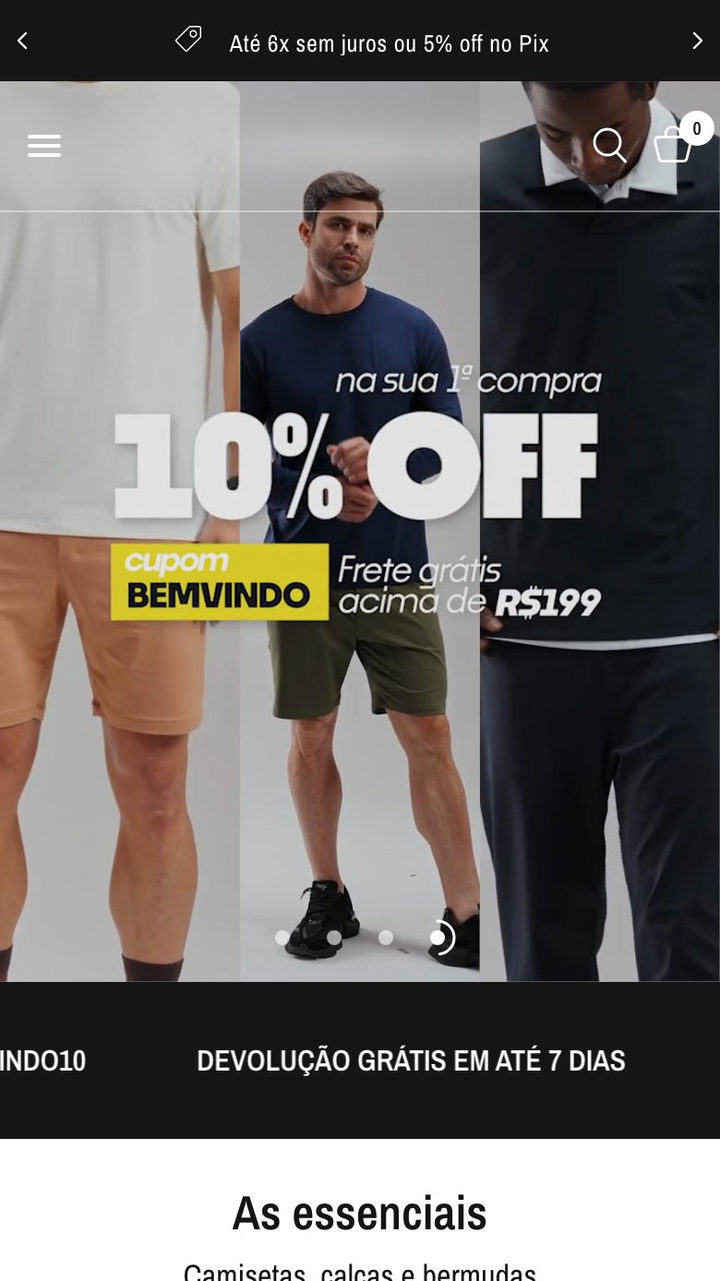
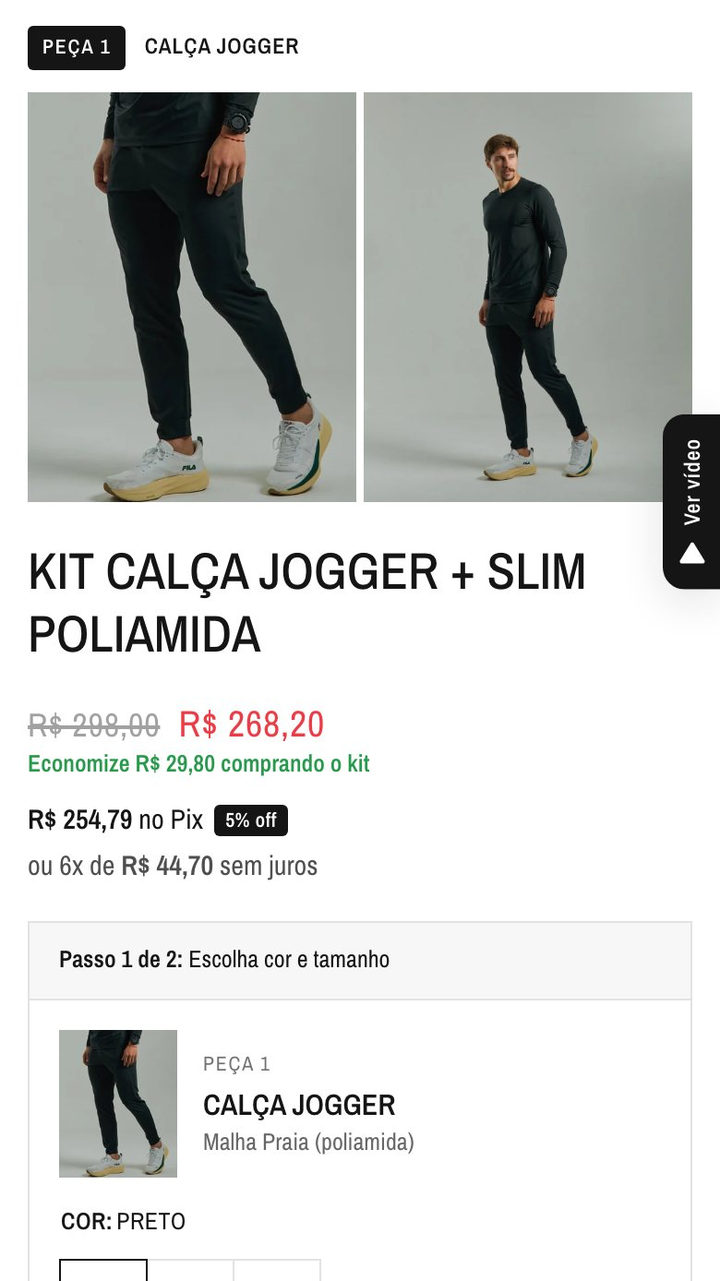
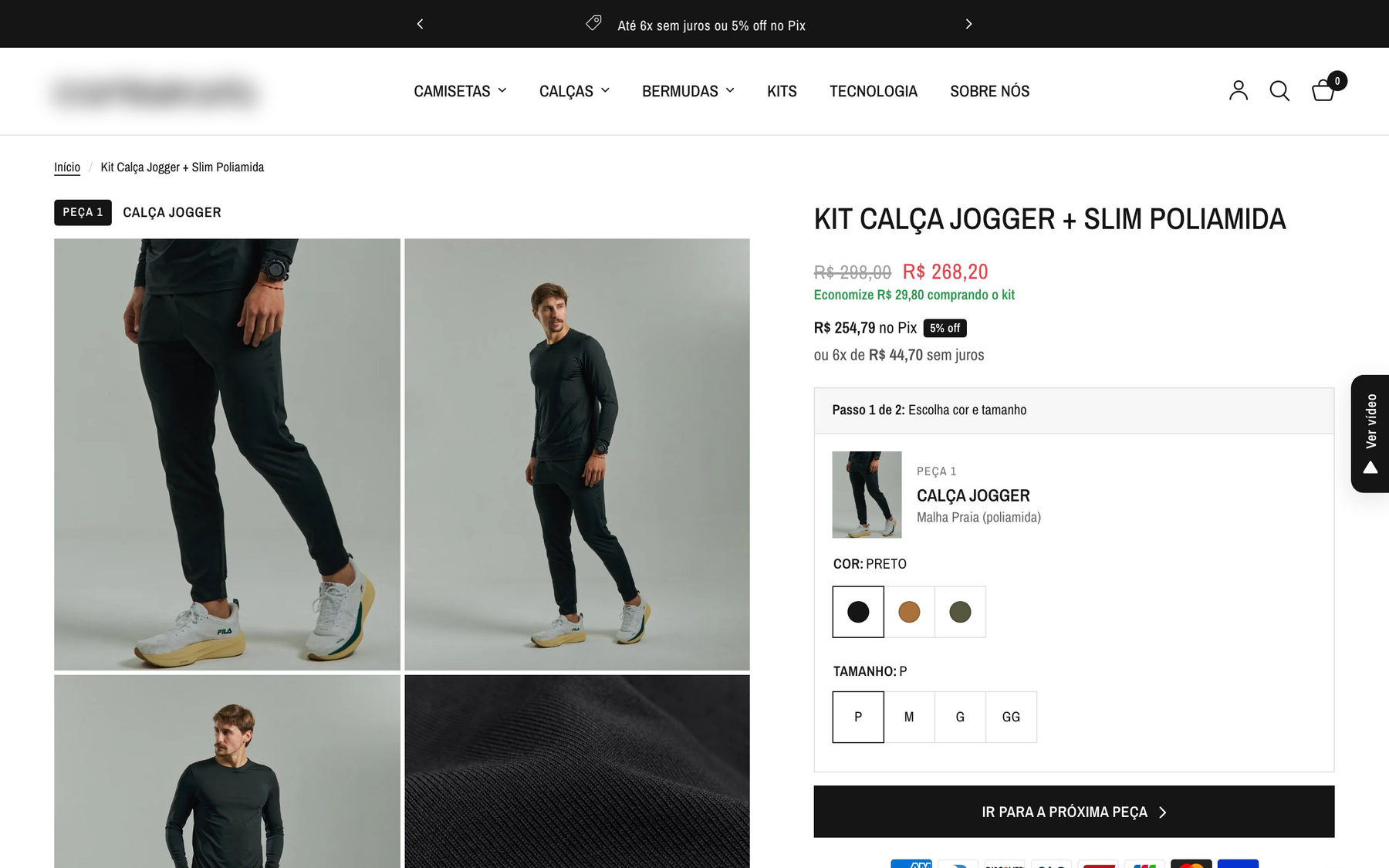
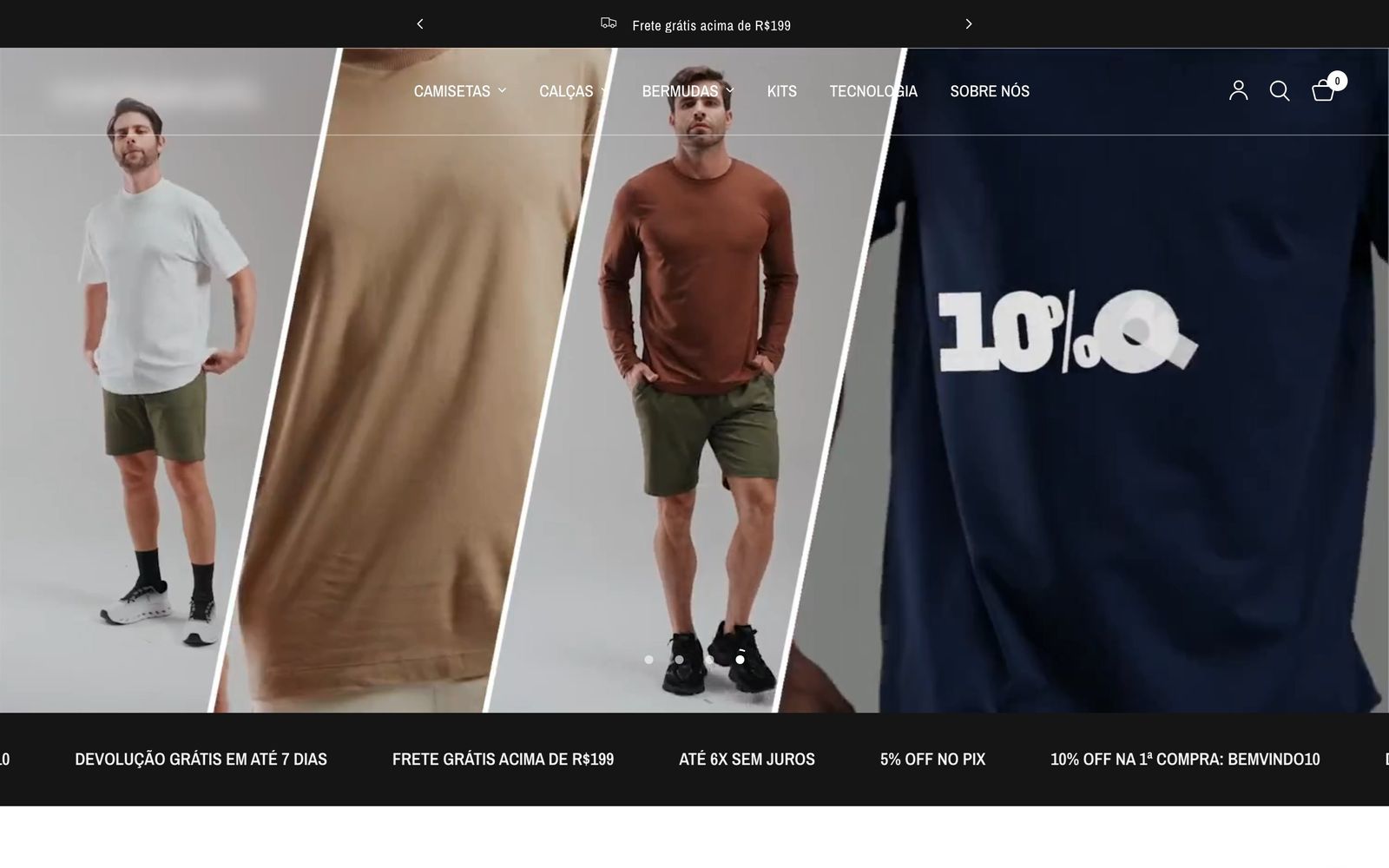
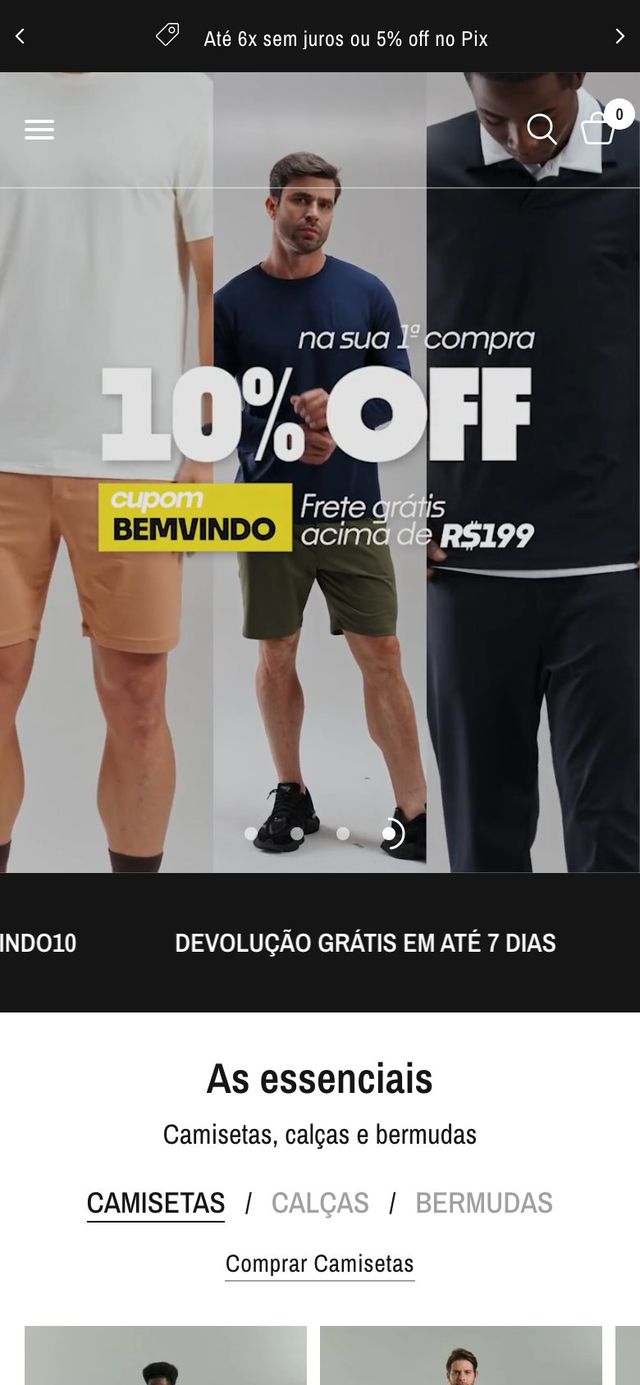
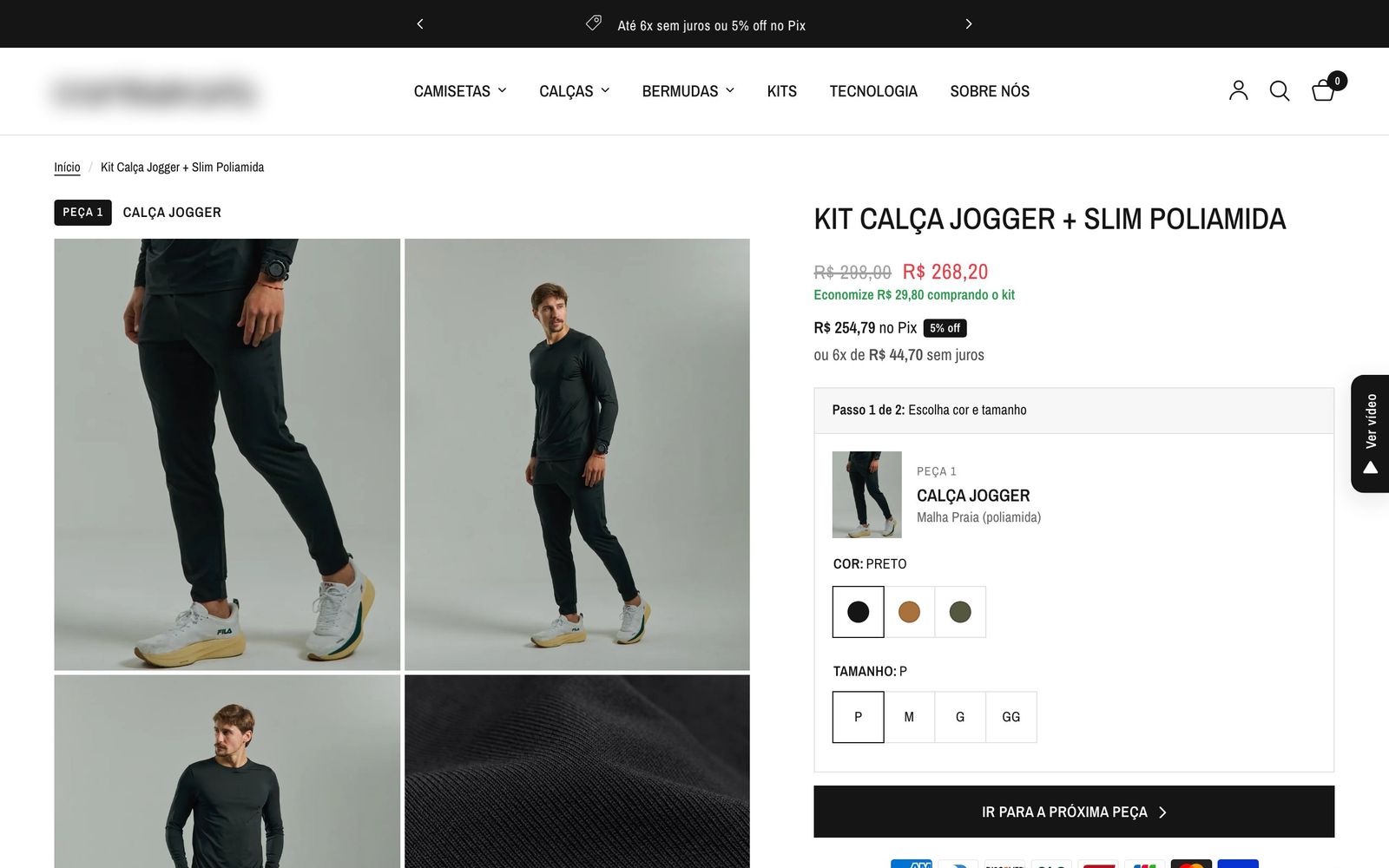
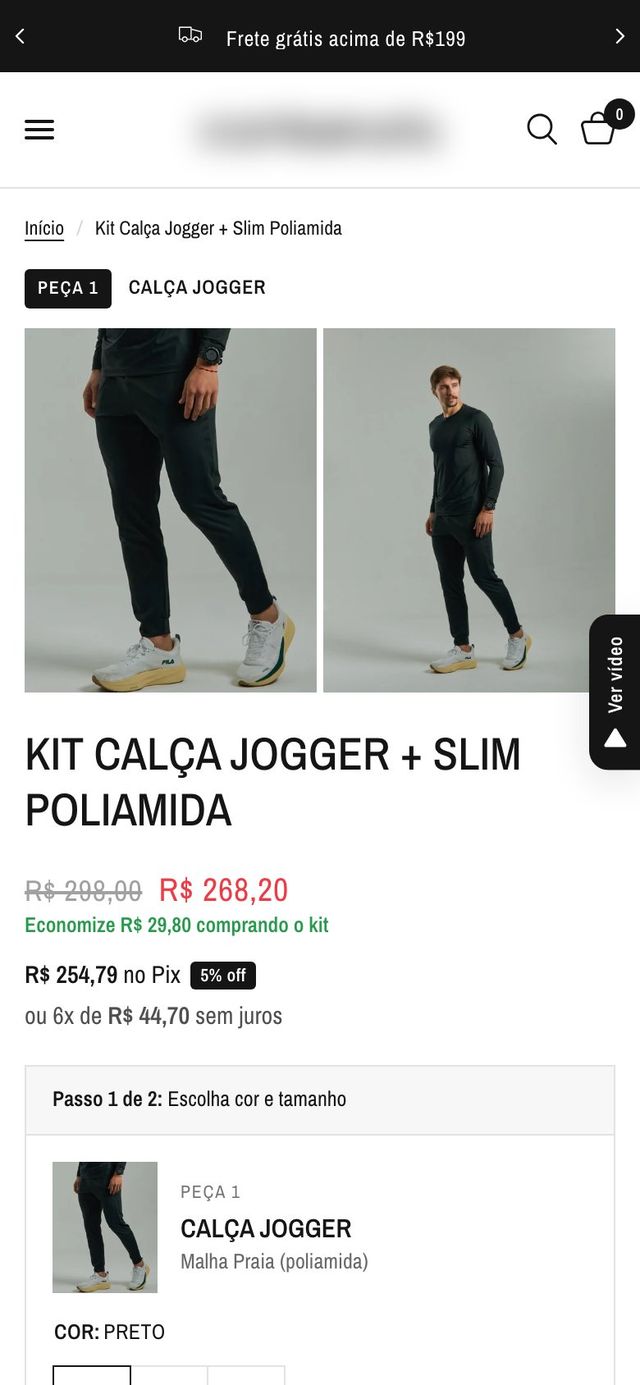
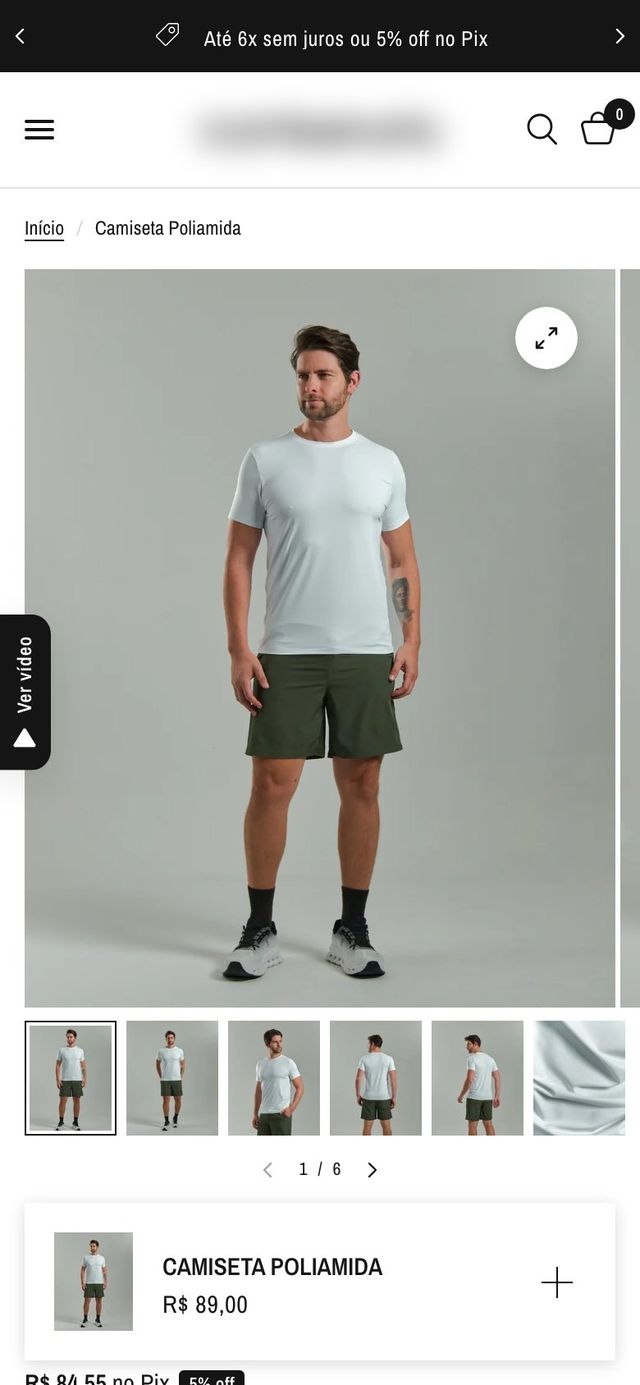
I built the storefront of a Brazilian technical-apparel brand on Shopify, connected to the ERP that creates its products: home page, collections with filters, two-piece kits with colour and size for each piece, product pages with size guide, video and FAQ, and the institutional pages.
Credits Theme by Fuel Themes; photography and brand by the client; first kit builder by a teammate. Implementation assisted by AI coding agents
Overview
Ready for launch day
The brand sells technical T-shirts, trousers and shorts in a few fabrics. The store had to explain fabric and fit, sell kits of two pieces and run on the catalogue the ERP creates. The work covered every page a shopper passes through, the kit pages and the product data behind them.
Kits
Two pieces, colour and size for each
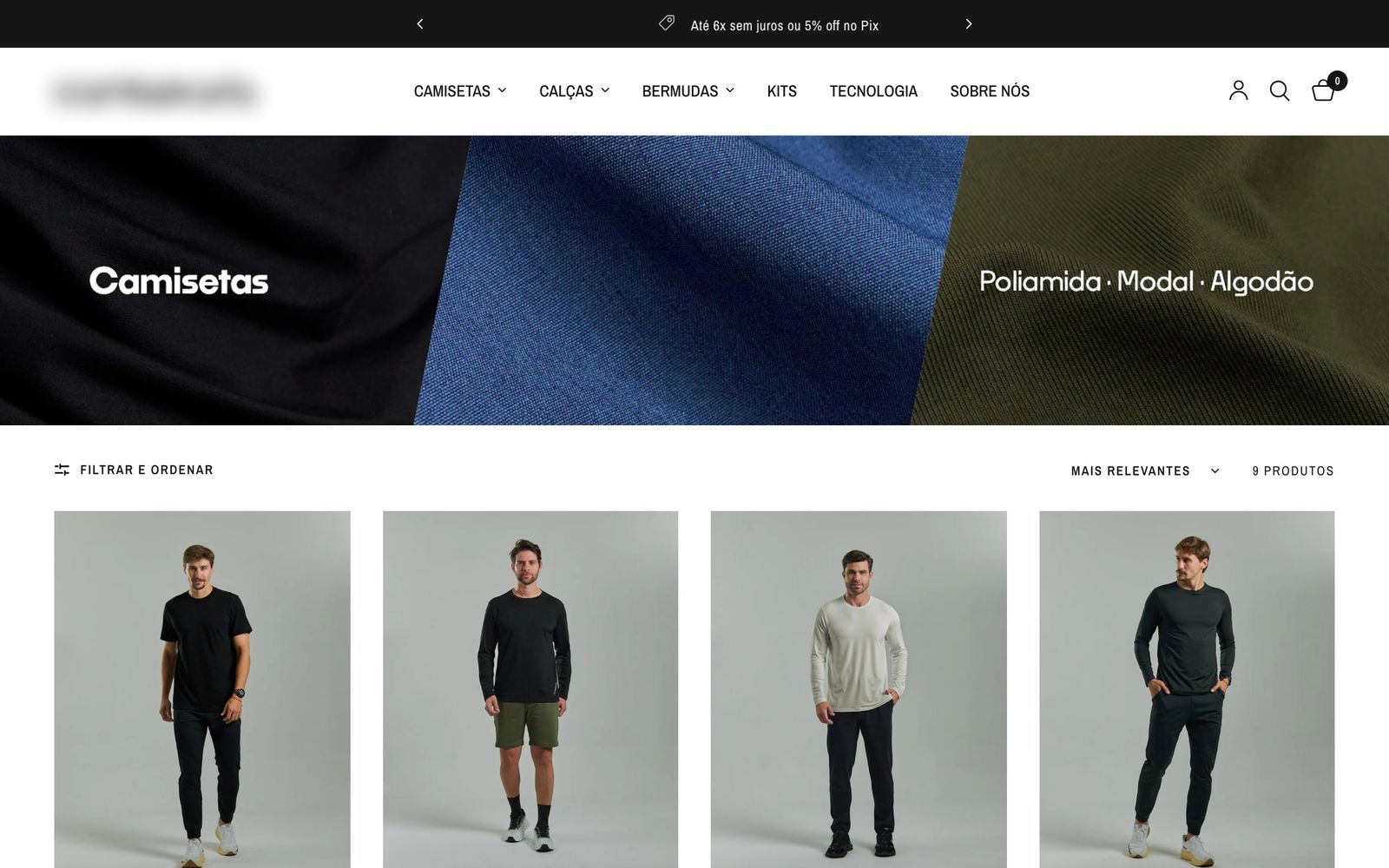
- Kit pages for native Shopify bundles: seven kits, each with colour and size chosen piece by piece, step by step.
- A gallery for each piece with zoom, fabric blocks and an icon for each piece, so the shopper always knows which part of the kit they're choosing.
Product page
The answers before the cart
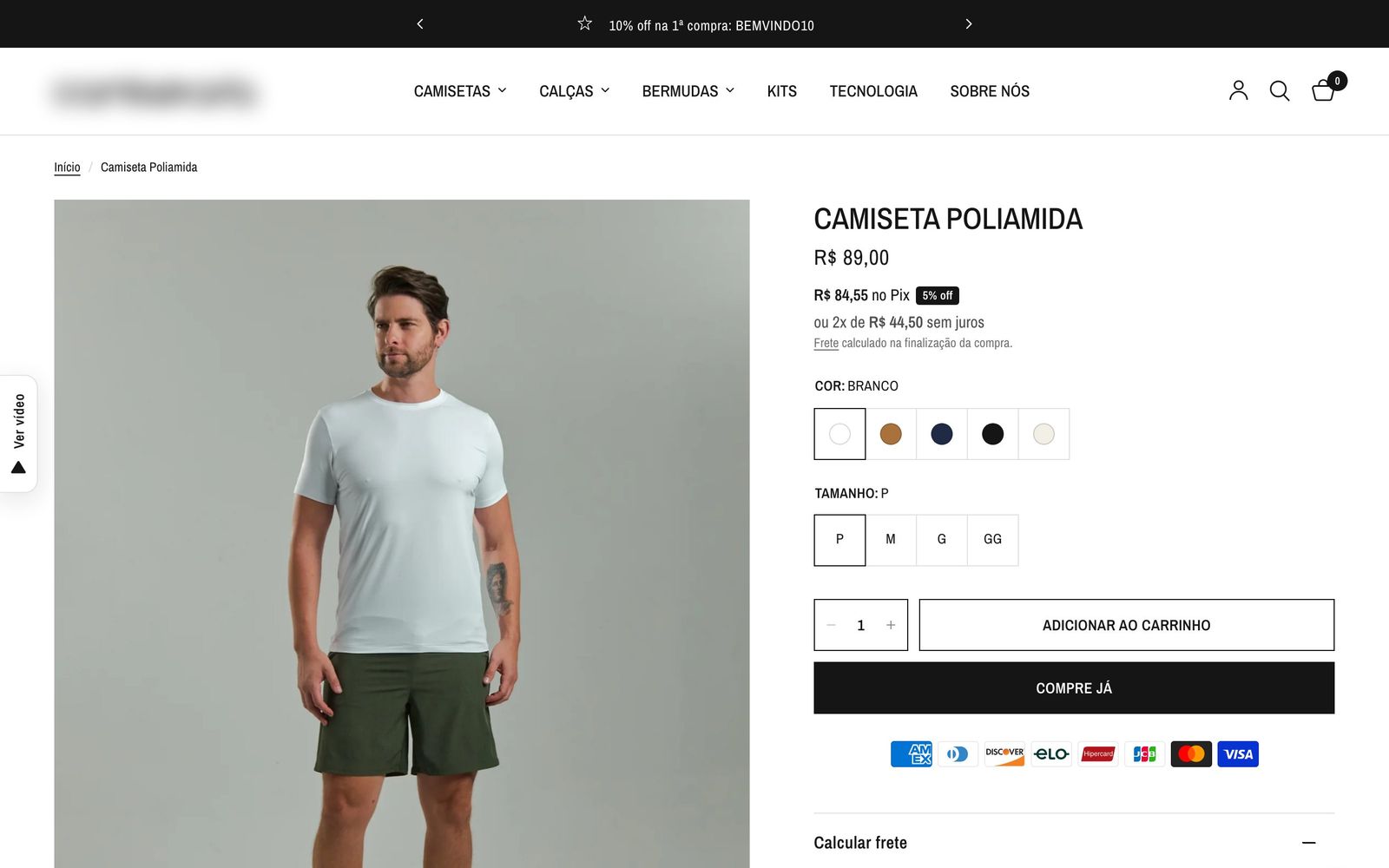
- Pix and instalment prices from settings, product video and size guide from metafields, FAQ from metaobjects and shipping estimated by postcode.
- "Complete the look" and a quick view with tabs.
- Colours and sizes out of stock hide themselves on the product page, the cards and the kits, and come back when stock returns.
Catalogue
Filters people actually use
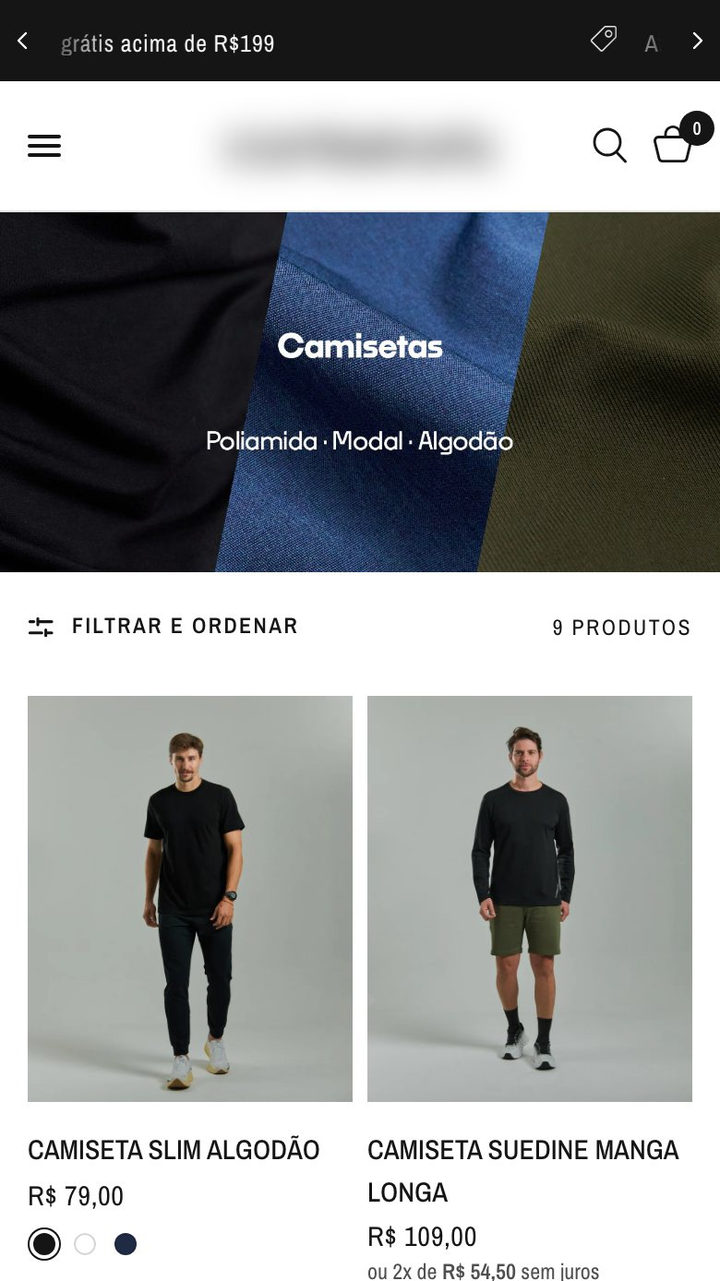
- A filter drawer with sizes as buttons, colours by name, counts and a "See N products" button.
- Category banners for desktop and phone, a Launches collection and an FAQ on each category page.
- Search details: one H1 per page and FAQ structured data generated from the FAQ page.
Integrations
Products come from the ERP
- The ERP creates the products in Shopify with a fixed SKU pattern, but without photos. On 28 September a direct load put 231 photos from the photographer's archive on 13 products, matched by product and colour code and checked against a manifest; an FTP server built for the ERP's own image route is kept as a fallback.
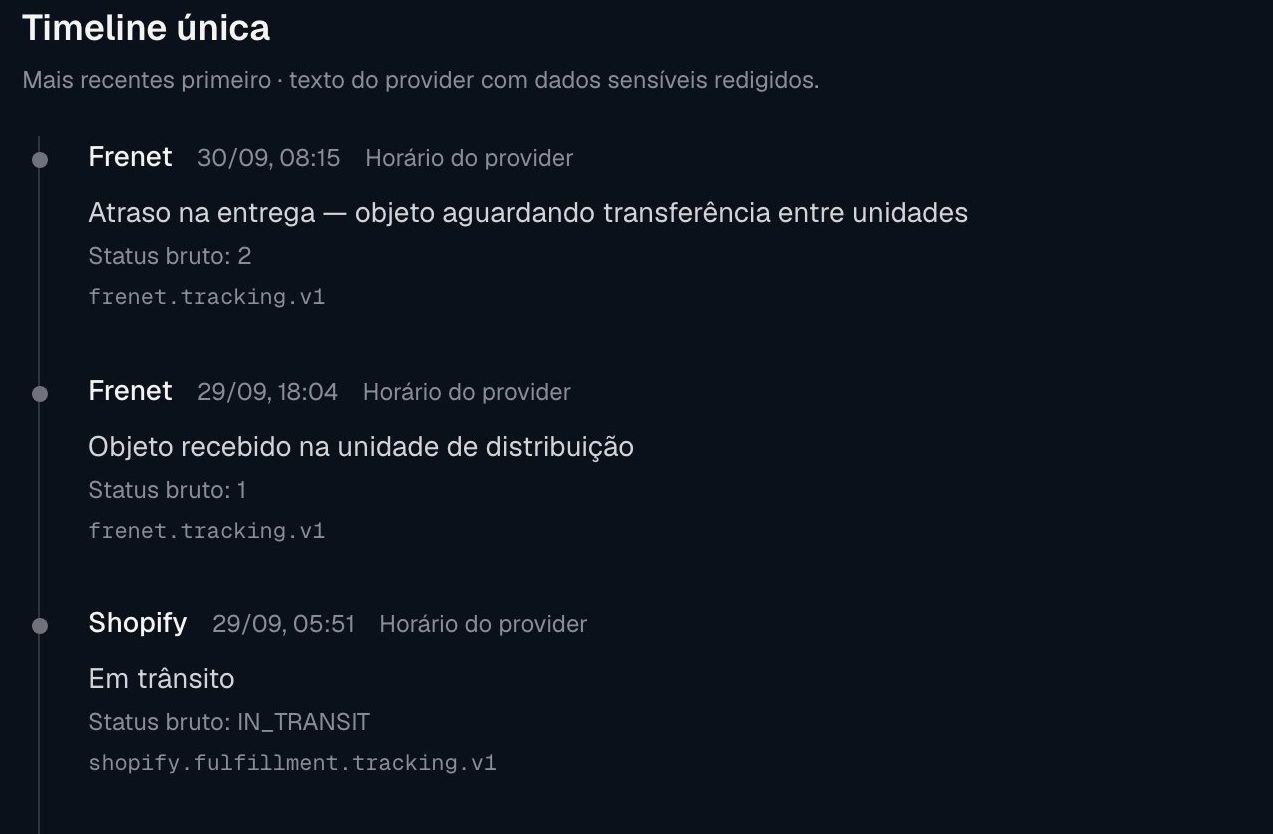
- Shipping and the order flow run through the integration platform (reported by Rafael).
Proof
Live since 3 October 2026
- Store public since 3 October 2026, with the theme published from the repository (go-live record).
- 22 commits on 2 and 3 October cover the header, product page, home, technology and about pages, category banners and FAQ, size guide, kits, filters, quick view, search details and out-of-stock variants.
Tech details
How it's built
- Theme: Reformation 9.2.0 by Fuel Themes, with sections, snippets and templates added on top.
- Data the team edits without code: swatches, fit, size guide and product video in metafields; FAQs in metaobjects; Pix and instalment rules in theme settings.
- Kits: the first kit builder was started by a teammate in August; the October kit pages use Shopify's native bundles, with colour and size per piece.
- Variants: out-of-stock colours and sizes are hidden in the product page, the cards and the kit steps, and reappear when stock comes back.
- ERP: Linx/Millennium creates products (SKU
PRODUCT_COLOUR_0_SIZE); images by a direct load into Shopify, with the FTP route kept as a fallback. - Credits: theme by Fuel Themes; photography and brand by the client; first kit builder by a teammate.
What this means for your store
If you're launching a store that sells sets, has a catalogue coming from an ERP and needs to explain fit and fabric, I can build it end to end, from the product data to the launch.
or e-mail contato@rafaelshopify.dev
Explore more
Load manifest, 28 Sep 2026
| Archive photo | SKU prefix | Check |
|---|---|---|
| 20586.jpg | 1006_1000 | attached, verified |
| 20770.jpg | 1006_4001 | attached, verified |
| 20502.jpg | 1006_2000 | attached, verified |
+1 more